Press
The Action Button, a button on the Lock Screen or in Control Center. Momentl listens from now on, not before.
“In ten minutes hang up the laundry”
Press the Action Button, say one sentence, put your iPhone away. Momentl turns it into a reminder, a note or your shopping list, and speaks up when it is time.
Free beta on TestFlight · iPhone only
How it works
For the moment you think: “I’ll do it in a sec.” No menu, no form, no app you have to find first.
The Action Button, a button on the Lock Screen or in Control Center. Momentl listens from now on, not before.
One sentence, the way it comes to you. A time, a weekday, groceries, a name. Nothing to learn.
iPhone away. The Dynamic Island briefly shows what was saved. Momentl takes care of the rest.
Examples
Talk the way you would to a person. Momentl hears the time in your sentence: with a time it becomes a reminder, without one a note, and groceries go on the list.
In ten minutes hang up the laundry
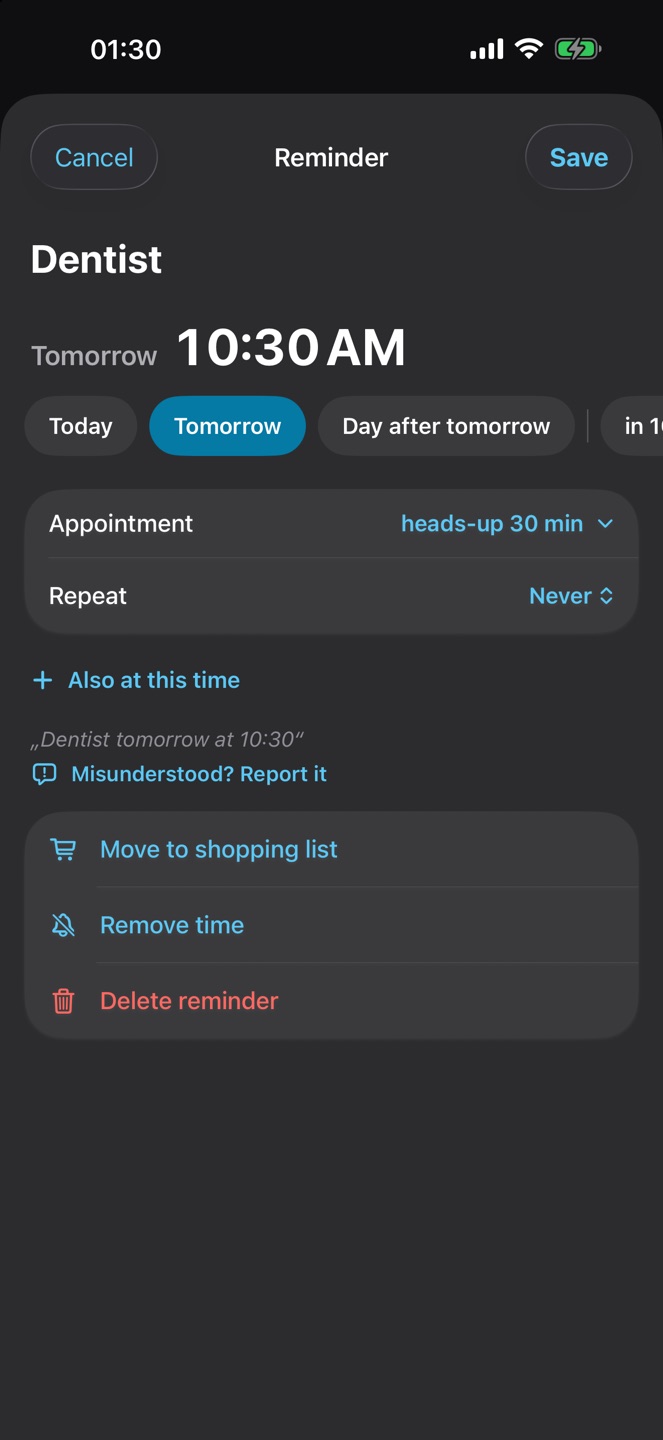
Dentist tomorrow at half past ten
Make me a hairdresser appointment tomorrow from 11 to 1
At 8 doctor and at 10 meeting
Flight to Vienna on Wednesday at a quarter past seven
Buy milk, we’re out of coffee
Every Monday at nine take out the bins
The new neighbour’s name is Tom
Your turn.Your first sentence is one press away. Free beta on TestFlight.
Try it freeThe app
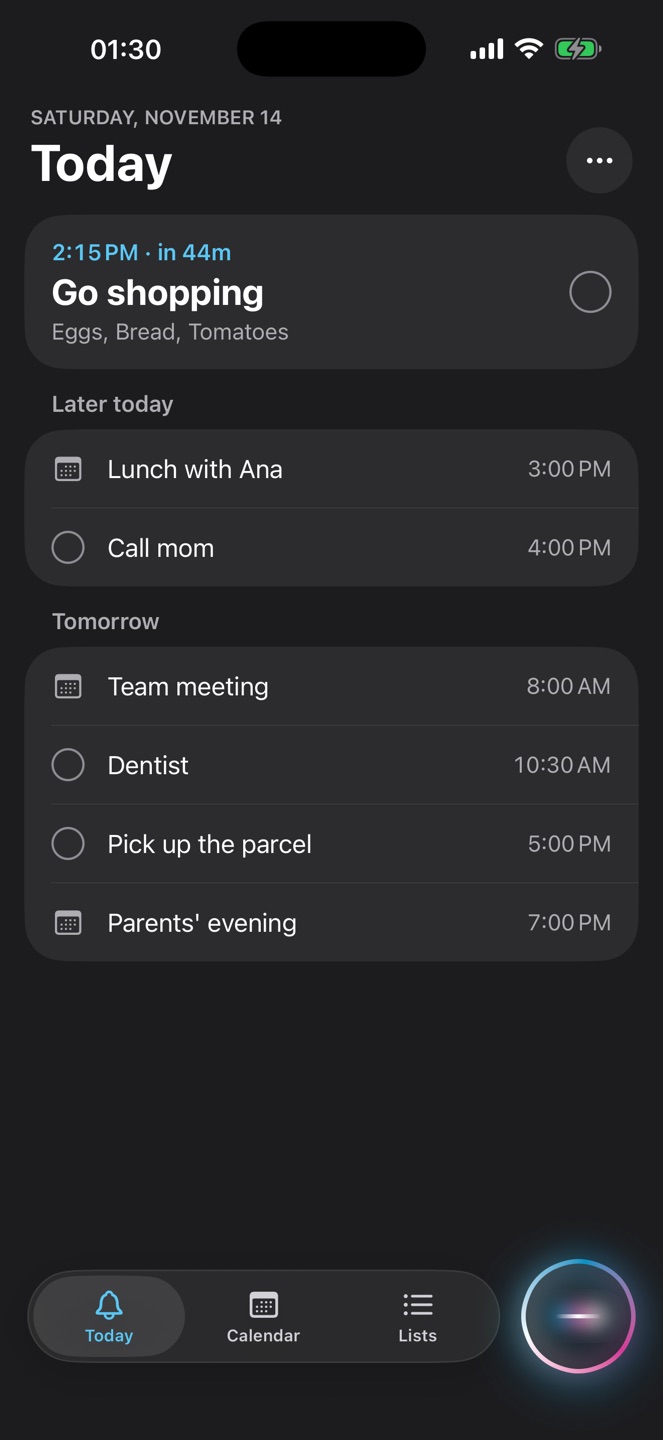
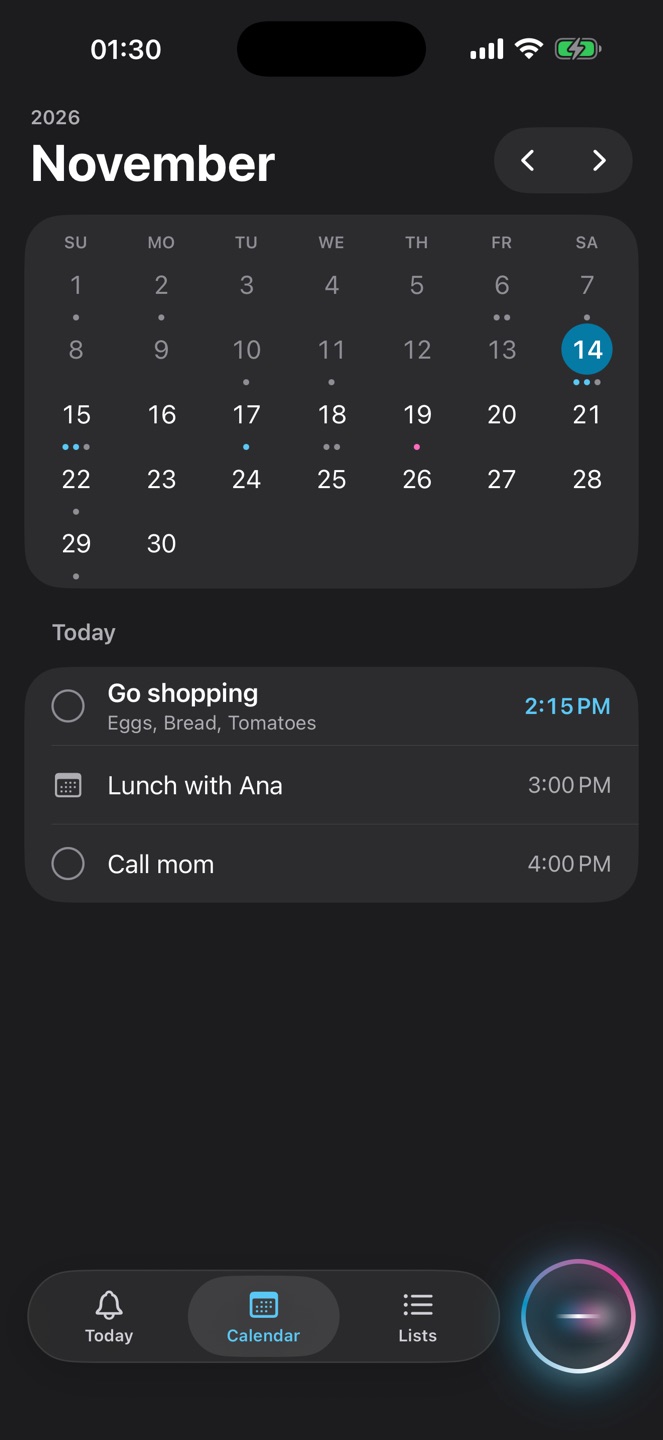
Your week on top, your day below. Appointments from your calendar sit right in between. Notes, shopping and the whole month are one tap away.
With your calendar
If you like, Momentl works together with your iPhone’s calendar. You choose on first launch, and “Only Momentl” works just as well.
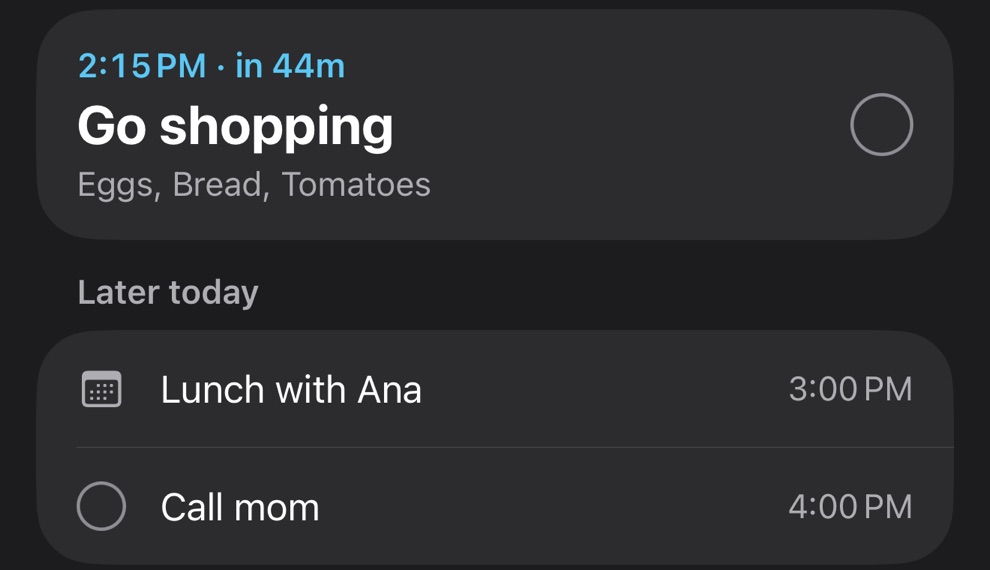
Your appointments show in Momentl, and what you tell Momentl goes into your calendar.
Move an event in your calendar and Momentl reminds you at the new time. Delete it there and it’s gone here too.
What Momentl brings in, Momentl reminds. What’s already in your calendar, your calendar reminds.
What it does
Momentl does a few things, and does them reliably. Built for people who would never open a to-do app.
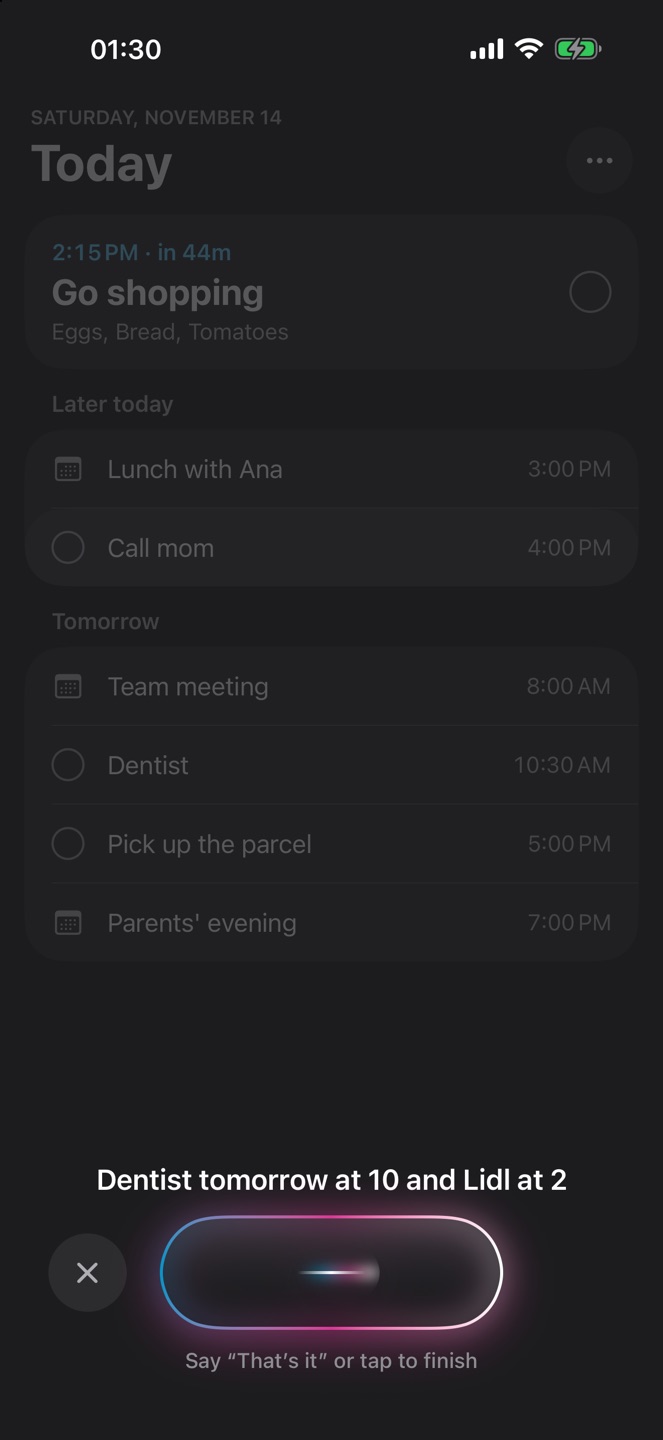
Momentl stops listening by itself. While you speak, you see your words.
“Make me an appointment tomorrow from 11 to 1” or “Put parents’ evening in my calendar on Friday at 7 pm”. Momentl takes what matters.
“At 8 doctor and at 10 meeting” becomes two reminders, each at its own time.
Missed it? The reminder rings again every few minutes until you tick it off.
Appointments speak up in good time. Three hours before a flight, half an hour before the dentist.
No time in the sentence? Then it becomes a note, exactly the way you said it.
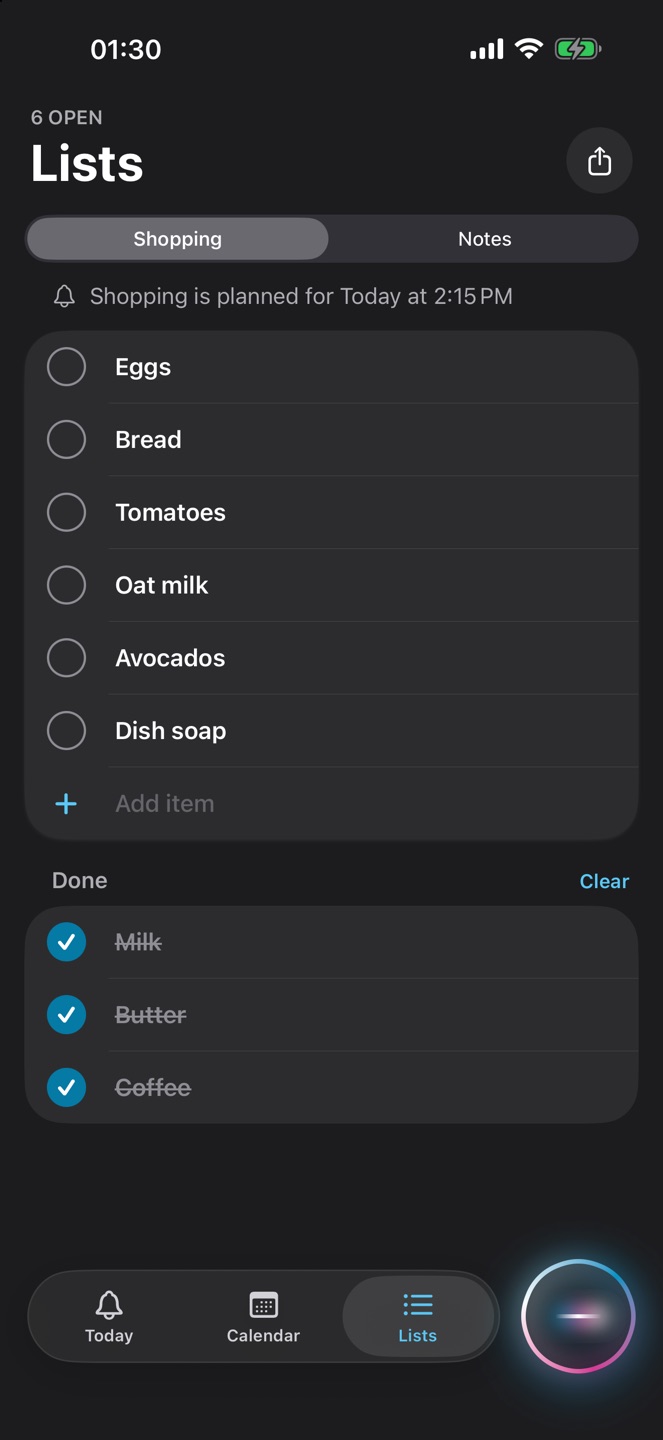
“We’re out of coffee” is enough. Share the list with anyone you like.
“Every Monday at 9” or “on weekdays”. Said once, reminded every week.
On the train or in a meeting, just type the sentence.
The widget shows what’s next on your Home Screen and Lock Screen. In the Dynamic Island you see that Momentl is listening, and then what was saved.
Whether it’s Tom or Mrs Yılmaz: names you add or correct once, Momentl writes right from then on.
Even mixed in one sentence. The way you actually talk.
Privacy
No account. No server of our own. No ads. Speech recognition is Apple’s and runs on your iPhone. Momentl understands times, days and groceries with its own rules, right on the device. What you say stays with you.
Apple’s speech recognition and the match with your calendar, right on your iPhone.
No account, no email, no password. Open it and go.
No ads, no analytics, no server of our own.
Questions
The beta is free. You install it through TestFlight, Apple’s official app for pre-release versions.
Tap “Try it free” on your iPhone. The link opens TestFlight, then tap Install. If you don’t have TestFlight yet, get it free from the App Store first.
No. You can also start Momentl from a button on the Lock Screen, in Control Center or right in the app.
Yes, if you want it to. On first launch you pick “With my calendar” or “Only Momentl”. With the calendar, your appointments show in Momentl and what you tell Momentl goes into your calendar. You can switch any time in Settings.
Say “That’s it” at the end and Momentl stops by itself. Or tap Done, or press the Action Button again.
No. Only after you press. While it listens, you see it in the Dynamic Island.
No. Momentl doesn’t talk back and doesn’t guess. It understands times, days and groceries by fixed rules and saves them.
It rings again every few minutes until you tick it off.
Tell Momentl before it slips away. The beta is free and comes to your iPhone through TestFlight.
Try it free MomentlBeta for iPhone